Operating a B2B Document Courier Service Using Onro

Among the many services that end-to-end courier companies offer, one of them is typically document delivery. These deliveries could follow a same-day delivery flow similar to e-commerce, or an urgent delivery model similar to restaurant deliveries.

In this article, I’m going to briefly review what this kind of delivery entails, and then how a courier software like Onro smooths the edges, acts as a catalyst, and fills the gaps.

What kind of documents are usually delivered in this delivery type?

They are all business-critical documents. Common examples include:

  • Contracts and agreements
  • Invoices and financial documents
  • Legal filings
  • Permits and certificates
  • Medical or compliance records
  • Trade documents for logistics

Who are the parties involved (B2B)?

Senders

  • Legal teams
  • Finance departments
  • Compliance officers
  • Procurement teams

Receivers

  • Corporate offices
  • Government agencies
  • Partner firms
  • Supply chain hubs

Examples

  • A law firm sends signed contracts to a corporate HQ.
  • A manufacturer sends compliance certificates to a regulator.

What is most important in these deliveries

Core priorities are:

  • Speed, especially for deadlines
  • Security and confidentiality
  • Proof of delivery (signature, photo, timestamp)
  • Reliability and predictable timing
  • Tracking visibility for both sides

Biggest concerns in document delivery

  • Lost or mis-delivered documents
  • No reliable proof of receipt or delivery
  • Delays and lack of status updates
  • Security breaches or exposure of sensitive information
  • Inefficient routing that wastes time and money

What makes a courier company a valid choice for this document delivery?

  • Fast turnarounds
  • Real time tracking
  • Accurate ETA updates
  • Secure handling and verification
  • Clear accountability and SLA guarantees
  • Responsive support for exceptions
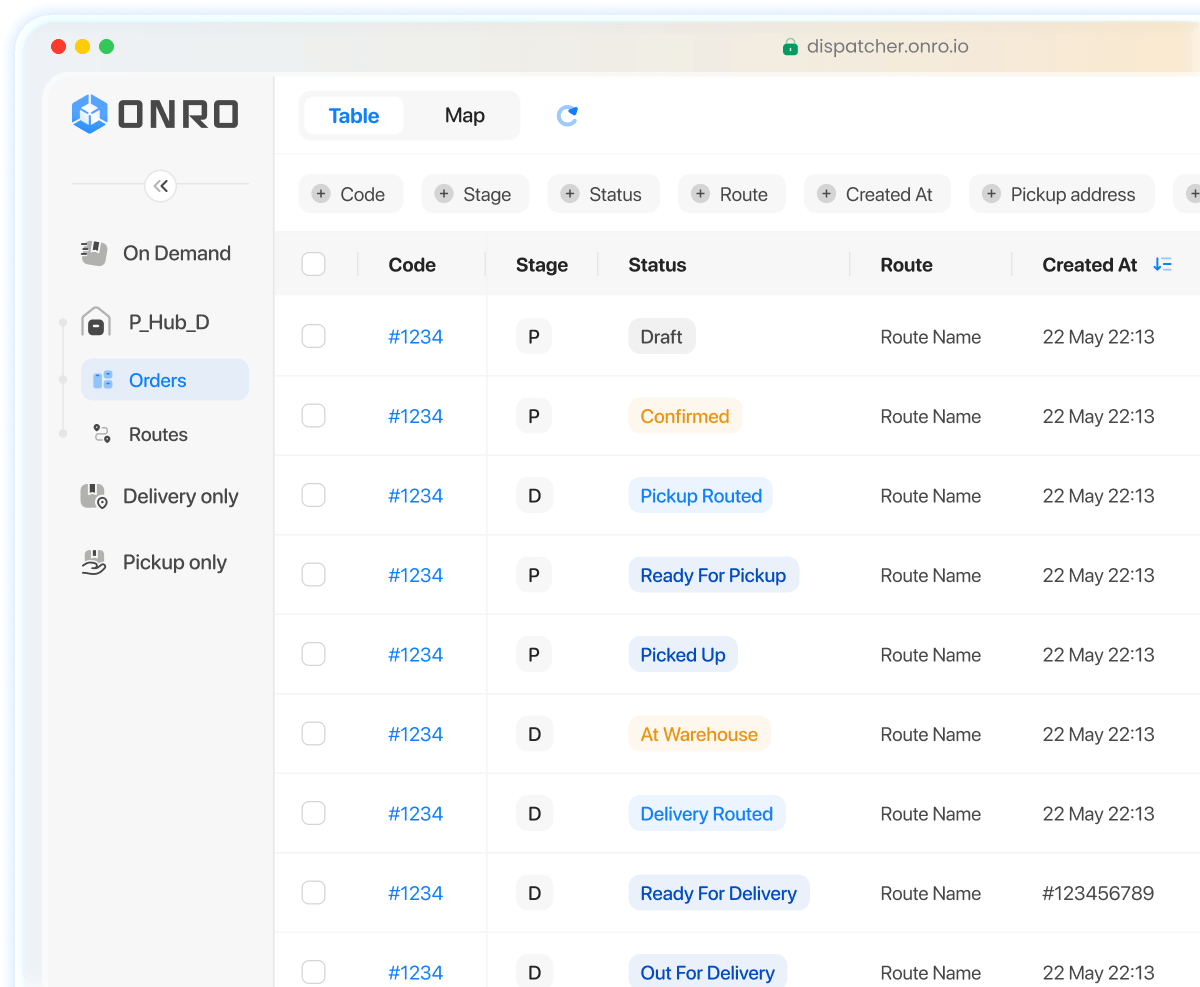
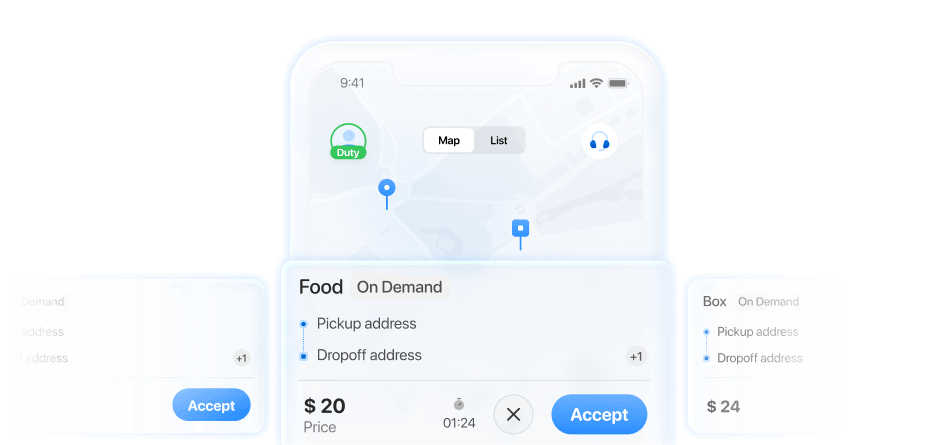
Optimized B2B document courier service managed through courier software with dispatcher and driver apps in real time

What proves they’re doing a good job?

Where they could go wrong

  • Bad routing that causes late deliveries
  • Poor communication with clients
  • No visibility into driver status
  • Unverified drop-offs
  • Security gaps

How can they up their game

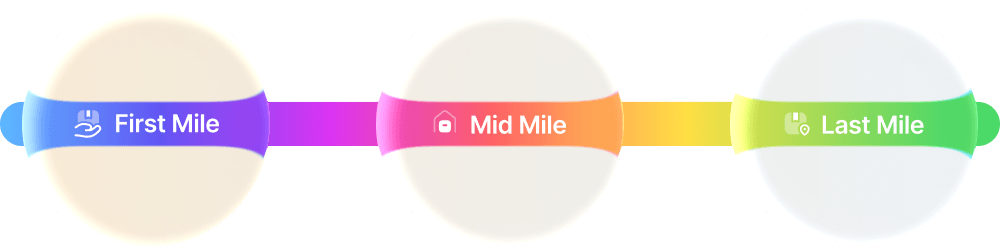
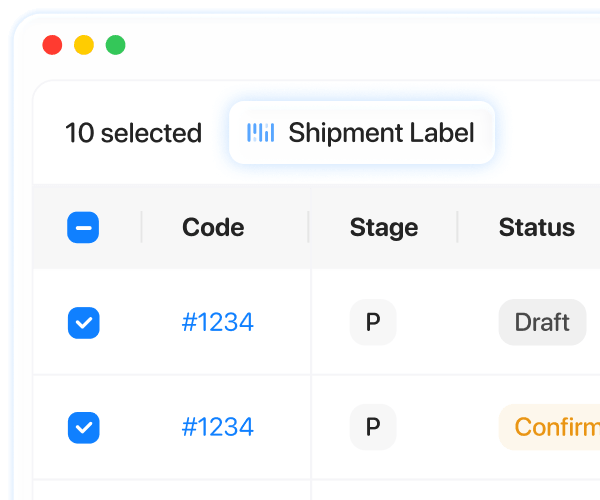
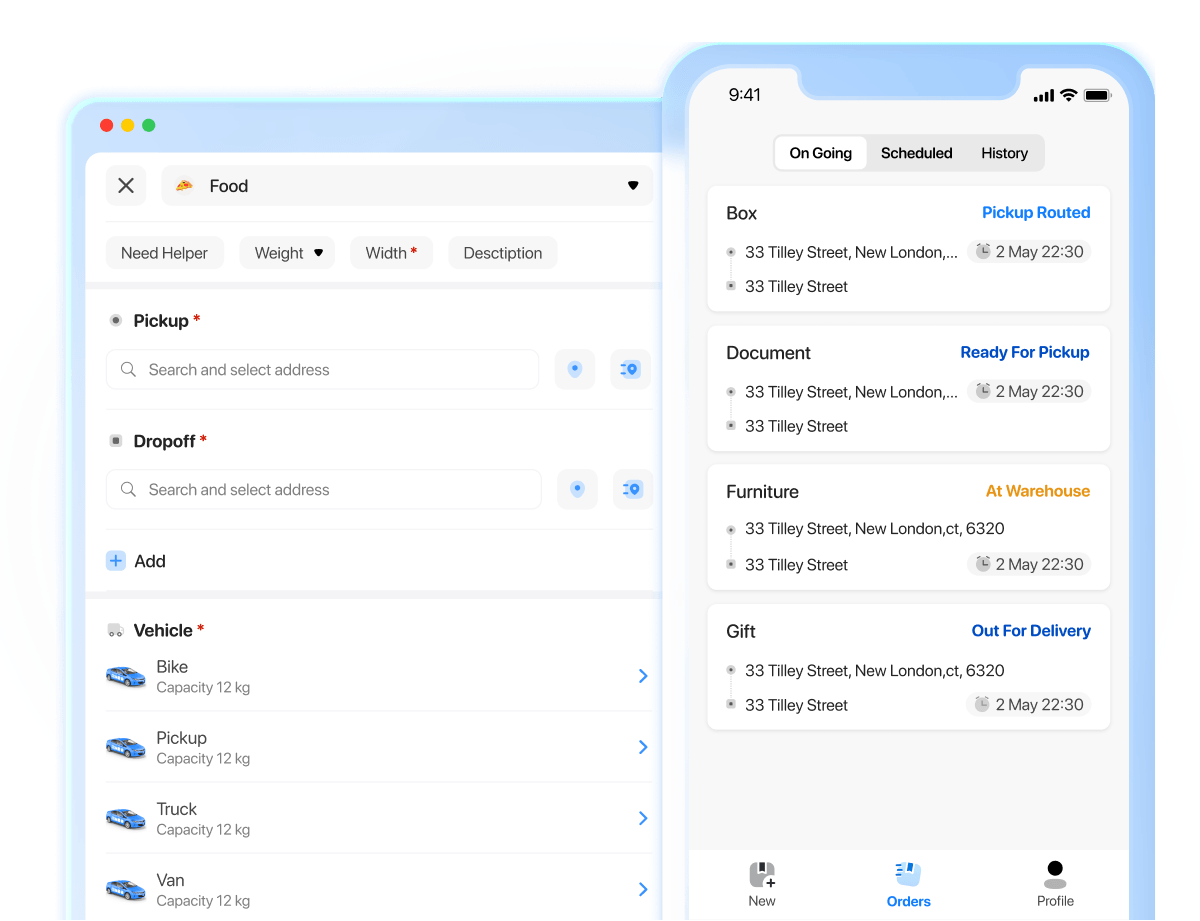
Onro Dispatcher panel automating notifications and optimizing routes with real time tracking

How handling document delivery without software looks

Handling a document delivery business manually, without using software, exposes the business to:

  • Lost documents with no audit trail
  • Late deliveries with no defensible explanation
  • He said she said disputes
  • Client churn due to lack of trust in the service
  • No timestamp integrity
  • No geo verification
  • Proofs that are easy to lose or falsify
  • Difficulty retrieving Proof of Pickup or Proof of Delivery later
  • Inability to audit at scale

Common dispute scenarios

  • “We never received the document.”
  • “It arrived late and caused damage.”
  • “Wrong department received it”
  • “Signature is missing or unclear.”

Resolution process

  • Dispatcher searches emails and chats
  • Calls the driver
  • Asks for photos
  • Checks paper logs
  • Tries to reconstruct the timeline from memory

Without software:

  • You cannot prove performance
  • You cannot defend yourself in disputes
  • You cannot scale without adding headcount
  • You cannot win enterprise clients

You are running on vibes in a sector that runs on evidence.

How a courier software like Onro comes into the picture

Multi-stop routes

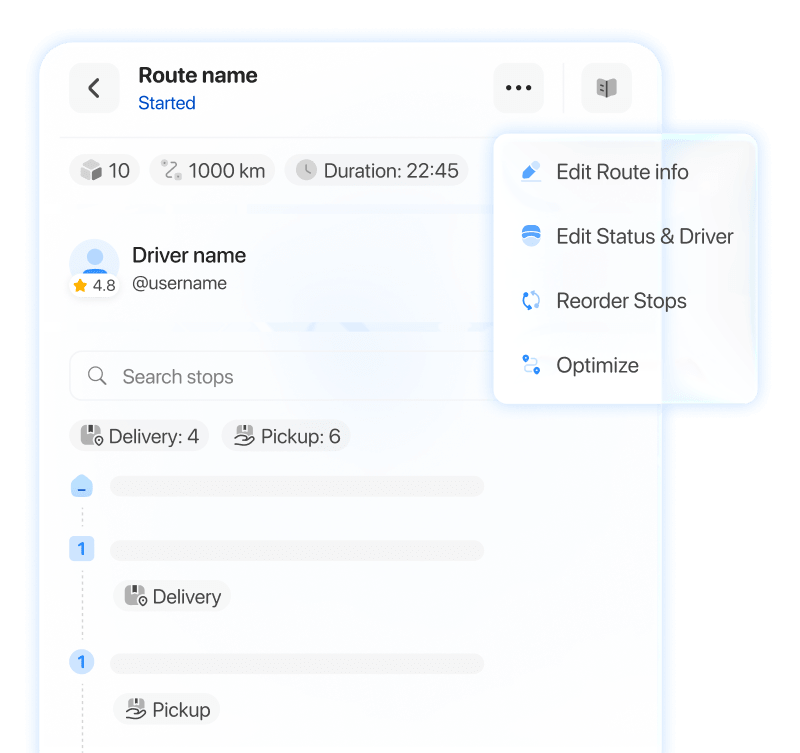
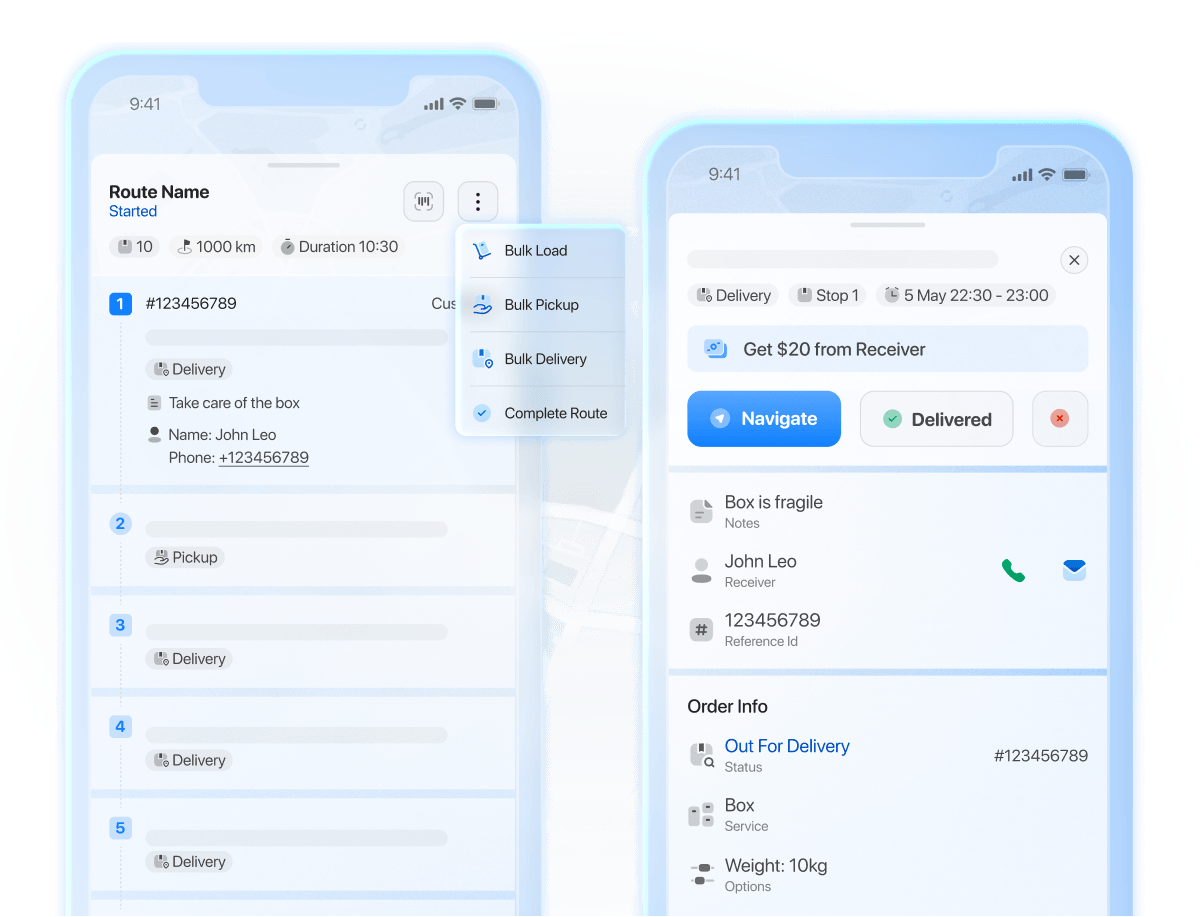
Orders can be created with more than one stop, allowing couriers to pick up documents in bulk and deliver them one by one. Each stop acts as a separate mini process, without the risk of mixing documents.

Courier software managing multi stop routes with separate delivery steps for bulk document orders

Real-time visibility

All parties involved, especially the end receivers who ordered the delivery, can stay in the loop with real-time visibility, monitoring the driver’s location, current status, and ETA.

Proof of Pickup and Proof of Delivery

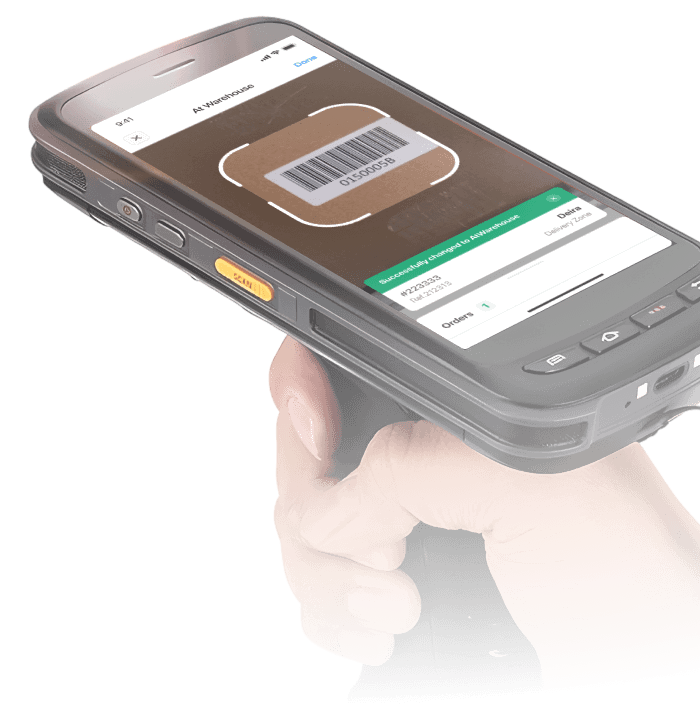
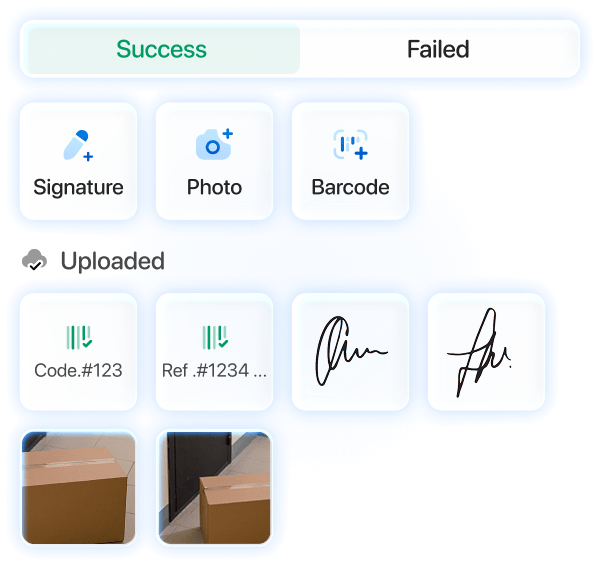
Each pickup and delivery can be logged and recorded using built in features, allowing drivers to upload photos, signatures, or scan barcodes in rarer cases. This step can be made mandatory by the admin in the settings, ensuring each document is properly archived and preventing future disputes.

Proof of pickup and proof of delivery recorded in courier software with photos, signatures, and barcodes

History and future reference

Onro records POP and POD in its system for as long as the client continues to use the platform. Any order can be looked up using its unique order code, where the uploaded POP or POD can be accessed.

Automation

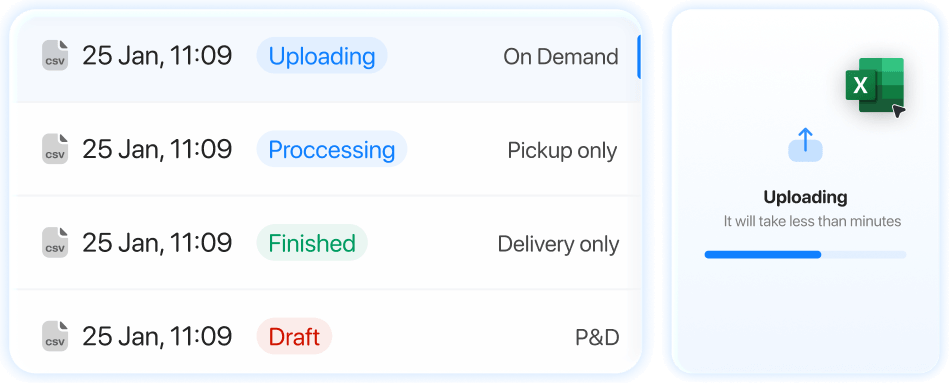
Courier companies and their drivers only need to focus on the actual delivery. Onro adds value by enforcing rules, SLAs, and the overall business structure of its clients, implementing the ideal process for delivering documents with little to no manual effort. Orders come in from customers, are automatically assigned to a driver, the driver starts the optimized route, completes pickups and deliveries, uploads proof for each, and finishes the route in the most efficient manner.

Complete automation from order creation and route optimization to proof of delivery using dispatcher and courier apps

Improving accountability

All events since the creation of each order can be monitored with timestamps. From when the order comes in, to pickup and delivery, to when proof is uploaded.

Scaling the business

When documentation deliveries are predictable and reliable, repeat customers trust the service.

Notifications

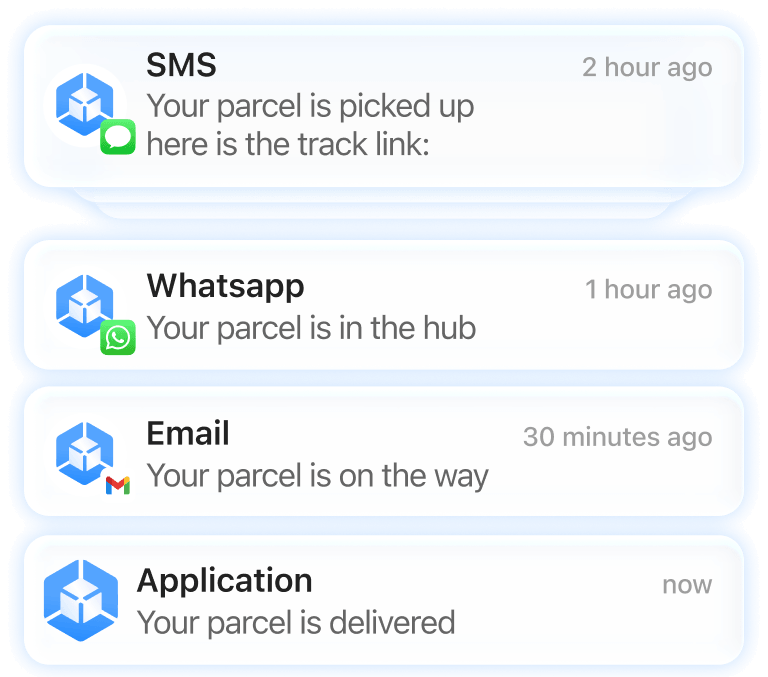
Onro sends automatic notifications to ensure everyone stays informed. Notifications are triggered by specific events. For example, when a document is delivered, the customer who ordered it can receive an email confirmation. These triggers are configured by you (courier service), and once set, they apply automatically every time the milestone is reached.

Automatic notifications triggered by document delivery events in Onro courier software via SMS, WhatsApp, or email

Communicating requirements

During order creation, customers can leave notes for the driver with specific requirements using a dedicated text field.

Custom fields

Onro supports custom fields for uploading photos or documents such as PDFs. This allows customers to attach additional notes or files that do not need to be physically handed to the driver.

The silent cost most couriers underestimate

Even if nothing goes wrong:

  • Dispatchers burn hours chasing updates
  • Drivers waste time on inefficient routes
  • Customers lose confidence
  • Growth stalls because operations cannot scale

The business survives, but it never levels up.

Conclusion

“Why fix something that’s not broken?” is a common mindset among business owners. When looking at day to day operations, everything may seem to work fine. No frequent disputes, no angry customers, lost documents are rare, and follow up calls are manageable. This perception often comes from the absence of immediate, visible problems.

But underneath the surface, gaps exist that expose the business to real risk. Those risks can become costly over time, both financially and in lost customers. Filling those gaps can save a company serious trouble, and this is exactly where software providers like Onro step in.

FAQs: Using Onro for document courier service

How will customers place document delivery orders?

Onro provides your customers with a white labelled customer portal, allowing them to place document delivery orders directly. For the UK, US, and the Netherlands, postal codes can also be used. Orders can be created one by one, or in bulk using CSV or Excel files, saving both your time and your customers’ time.

How does auto dispatch work?

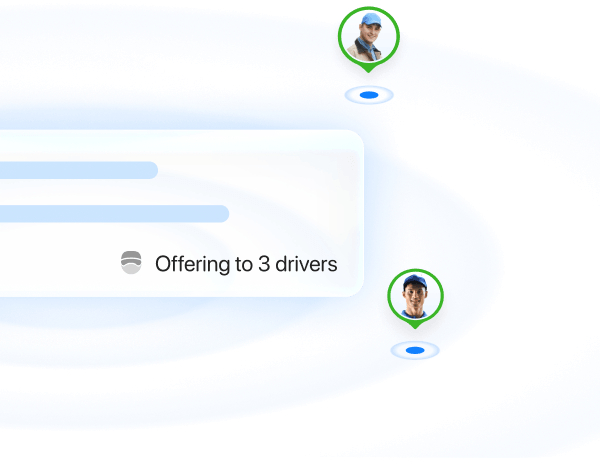
In the Onro admin settings, you can tune a dispatching algorithm to determine the most appropriate driver for each order. This can be based on factors such as proximity to the pickup location, total rejected orders, how many drivers the order should be offered to at the same time, the selection radius, and other configurable parameters.

What types of Proof of Pickup and Proof of Delivery does Onro support?

Photos, signatures, and barcode scans. Timestamps are also logged under the “Events” section for each order.

How does the driver see the notes left for a particular document?

Drivers can view any notes left for a document when they accept the job that is offered to them.

For how long do we have access to POP and POD?

For as long as you need. Onro stores the data, but you remain the owner of it. You have continuous access to your POP and POD records.

How can we ensure a driver does not complete an order without uploading the necessary documents first?

This can be enforced by mandating the upload of Proof of Pickup, Proof of Delivery, or both. This is enabled with a simple toggle in the settings. Additionally, you can restrict drivers from marking an order as picked up or delivered unless they are within a defined vicinity of the location, for example within 10 meters of the pickup point.

Where are the fields that customers can use to upload pictures or files?

These fields are available during order creation, after entering address and contact details and before selecting the payment method.

Are drivers restricted to only one photo for Proof of Pickup or Proof of Delivery?

No. Drivers can upload multiple photos for each proof.
Photos, signatures, and barcode scans. Timestamps are also logged under the “Events” section for each order.

About the Author

Max Fayazi

Sales Executive at Onro, driving growth by partnering with courier and delivery businesses to optimize operations and unlock new opportunities.

Onro Content Lab Linkedin
share article in twitter share article in facebook share article in linkedin
Contents
Show All
get a demo of Courier ManagementSoftware for free

Fully White-label Courier Software

Use ETA, live tracking, proof of delivery, driver app, and tens of features for managing your courier business.

Get Your Free Demo