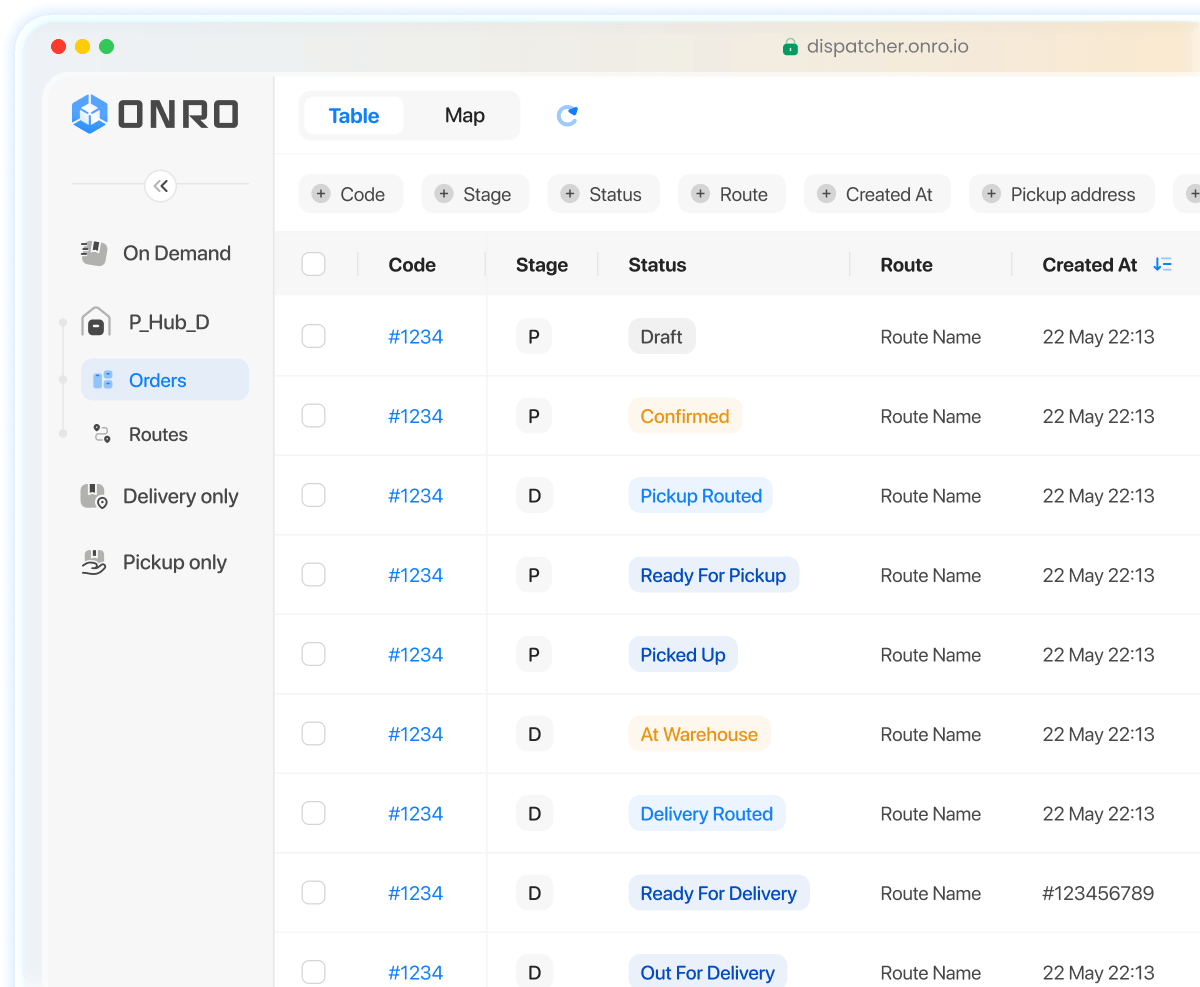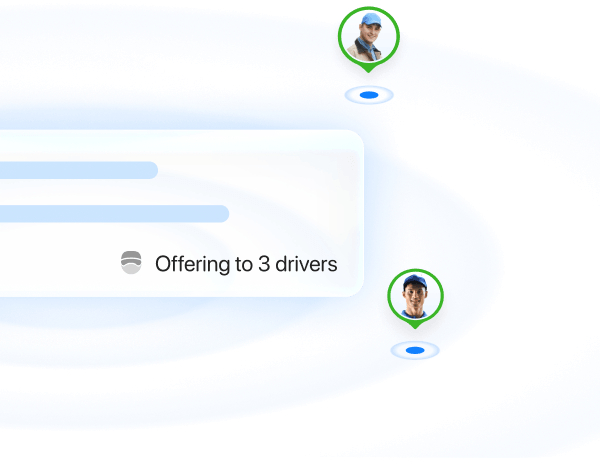
I spent weeks checking more than 20 software solutions, looking for ones that excel in hub-model courier operations. Most solutions only support pickup and delivery tasks, ignoring the middle—yet very important—step: the hub or warehouse. You don’t need regular last-mile delivery software; you need something built for this purpose. Therefore, I shortened my list to six. If you want real, adapted solutions, this list is a good start.
What’s the Hub-based Flow?
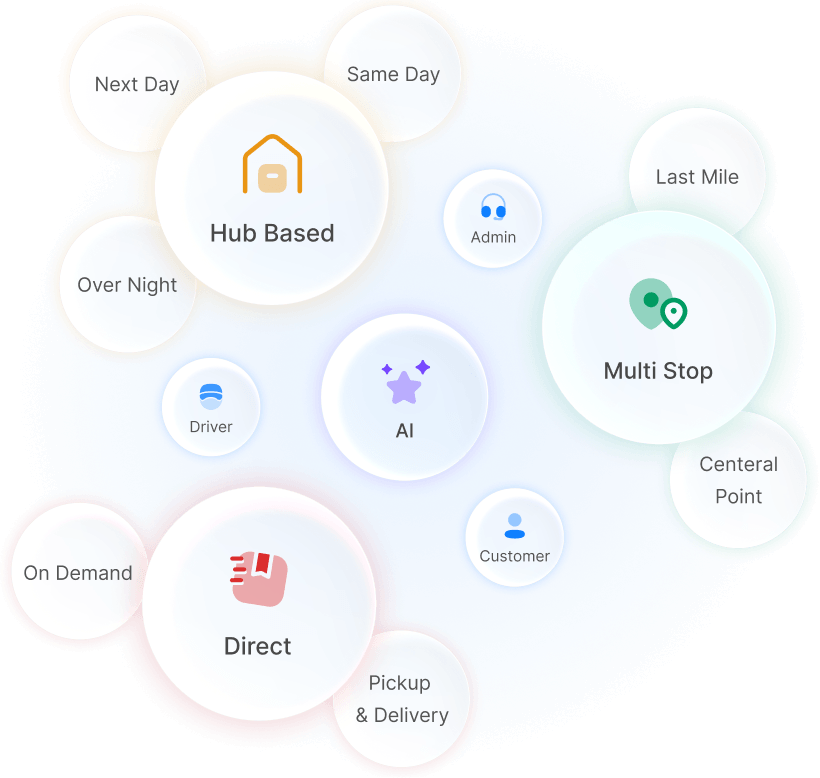
I’m referring to courier companies that don’t deliver directly from the pickup location to the destination. I’m referring to two models:
Hub-based company types
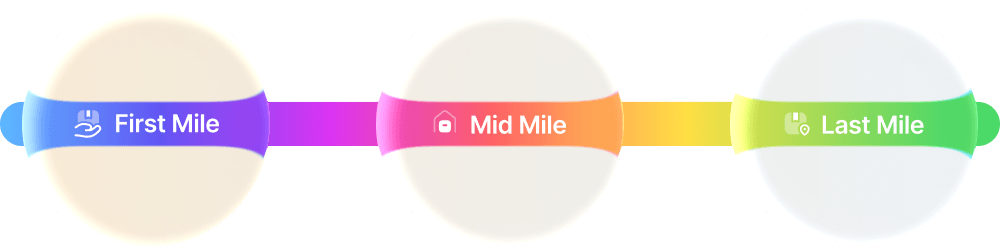
- Pickup → Hub(s) → Delivery: Orders are picked up from the customer’s location, sorted and consolidated in the hub, and then delivered to the end customer. In other words: first mile, middle mile, and last mile. Example: Same-day / Next-day courier companies

- Hub → Delivery: The product or package is already in the warehouse/hub; it simply needs to be sorted, routed, and sent out for delivery. Example: Fulfillment + shipping companies
Top 6 Hub-Based Courier Software in 2026: TL;DR
Here’s a quick look at all the courier softwares for hub based operations that made the list and what they’re best at:
| Solution | Best For | Starting Price | Free Trial | Key Highlights |
|---|---|---|---|---|
| Onro | Couriers with hybrid services (same-day, next-day, direct) | $239 / Month | 14-day free trial (no credit card) | All-in-one, specifically designed for courier companies |
| CXT Software | Couriers that need to work with shipping partners | $340 / Month | No demo access | Classic solution; established in 2000 |
| OptimoRoute | Stop-based operations; couriers that only need routing | $39 / Driver | 30 days free trial | Focuses on route planning for large fleets |
| Onfleet | Cannabis & time-window based operations | $599 / Month | 14-day free trial (no credit card) | Provides compliance for the cannabis industry |
| Shipday | Courier companies with small fleets | Free | Free version available | Low cost to start |
| Ontime 360 | Windows / Mac users (Desktop, not Web) | $99 / Month | No demo access | Good for users who are not tech-savvy |
How We Tested These Solutions: What I Looked For
When you have a hub in your delivery workflow, standard last-mile software is often not enough. Most basic systems already include the following features, so I did not focus my testing on them:
Common delivery management features:
- Proof of Delivery (POD)
- Basic pickup and delivery tasks
- Standard route planning/optimization.
Instead, I looked for specific features required by courier companies with hub-based operations.
Hub-Specific Features
1. Hub Operator Role Support: A hub requires a dedicated team member (an Operator) responsible for several critical processes:
- Receiving packages from drivers (Inbounding)
- Sorting and consolidation
- Processing failed deliveries returned by drivers
- Managing returns and damaged parcels
This role requires a dedicated mobile app for movement within the warehouse, specifically featuring bulk scanning capabilities for fast check-ins.
2. Reattempts & SLAs: A native solution for managing reattempts (redelivering a package after a failed try) is essential. Most courier providers have an SLA that requires multiple delivery attempts. If these fail, the parcel must be brought back to the hub to be rescheduled.
3. Chain of Custody (Accountability): In this model, a single parcel changes hands multiple times. For example:
Sender → Pickup Driver → Hub Operator → Sorter → Delivery Driver → Receiver
I looked for software that supports this movement and clearly tracks who is responsible for the parcel at every stage.
4. Hub Management: While we don’t expect a full Warehouse Management System (WMS), courier software should track exactly which parcels are in the warehouse and their current status.
5. Single Order Concept: Both the company and the customer should see a parcel as one single order with a unique tracking code. Many systems split an order into separate “pickup” and “delivery” tasks, which confuses the operation. I looked for systems that maintain a single order identity.
6. Warehouse Statuses: Supporting statuses like “Routed,” “Awaiting Return,” or “Rescheduled for Reattempt” is mandatory. Without these specific warehouse statuses, you lose visibility of your inventory.
7. Cash on Delivery (COD) Management: COD is a process, not just a text field. A good system manages the full flow:
- Driver collects the cash.
- Driver remits the cash to the company.
- The company pays the merchant/customer.
8. White-Labeling: Since your customers interact with your system daily, branding is vital. I checked if the software allows for white-labeling on both the customer portal and the tracking pages.
6 Best hub-based courier software in 2026
1. Onro
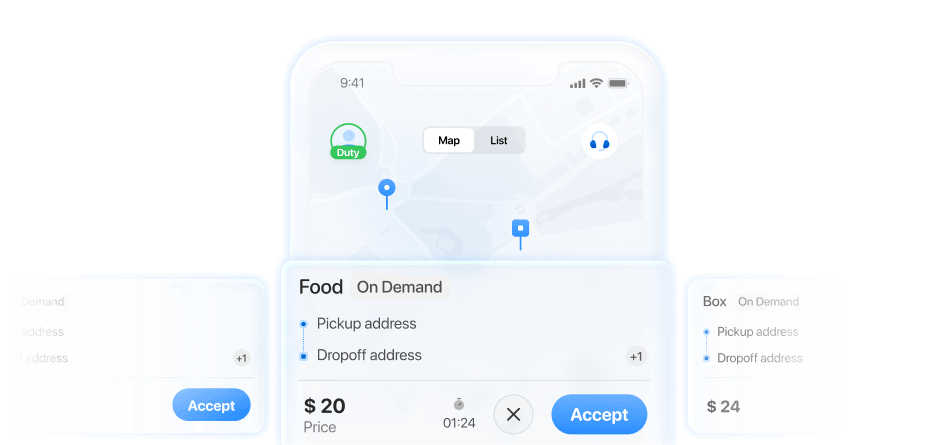
Specifically designed for courier companies that handle both hub-based and direct (on-demand) delivery models within a single product.
Best for: Couriers looking for a single solution to handle all aspects of the business.
Pros
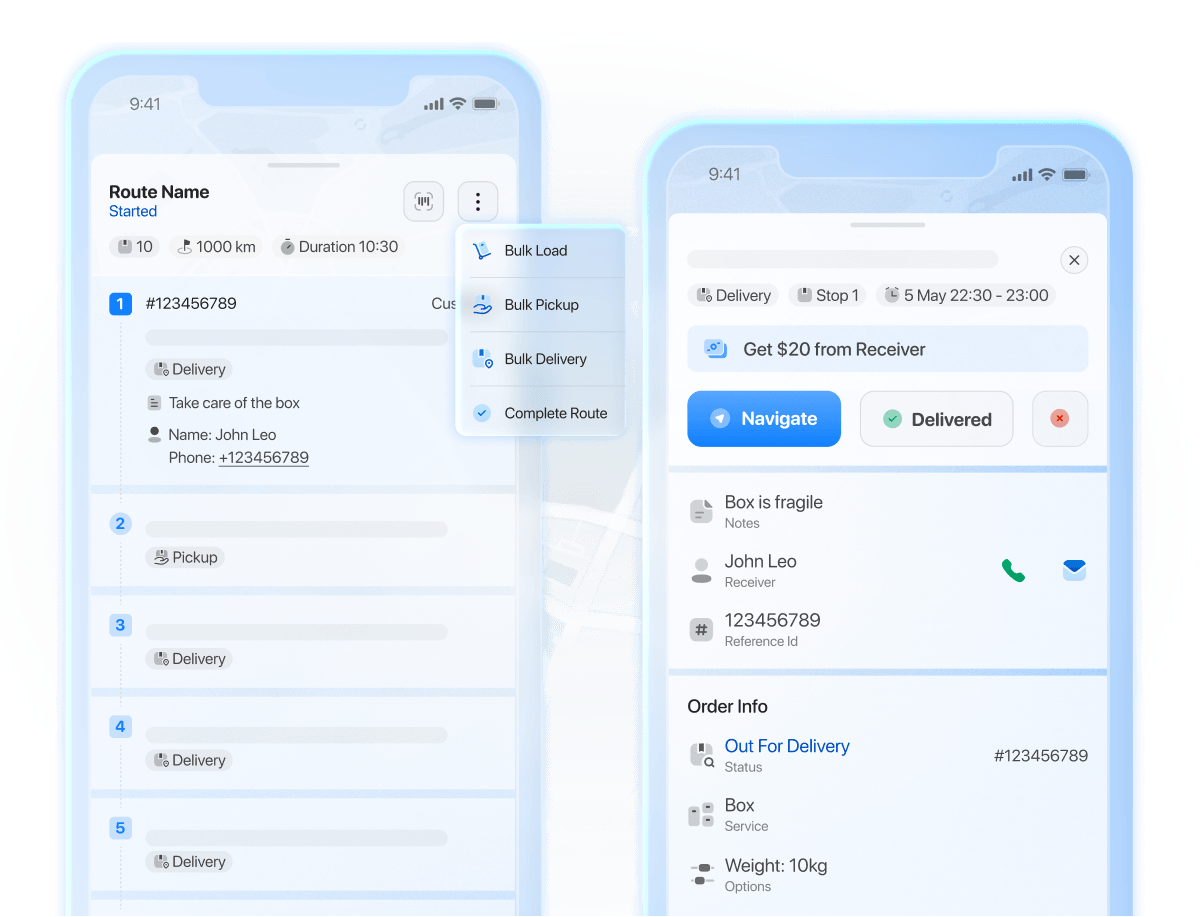
- Single-order workflow
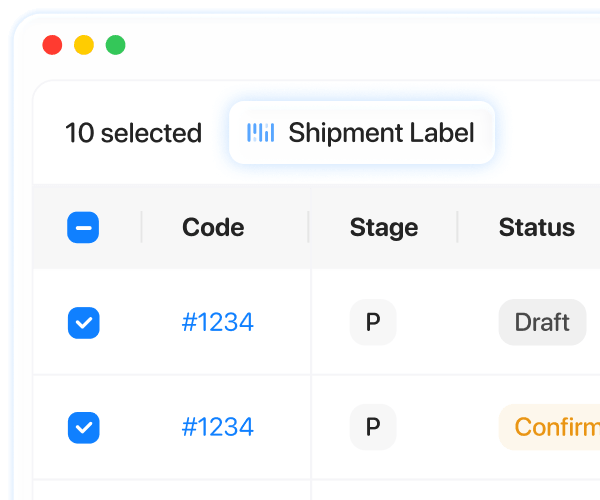
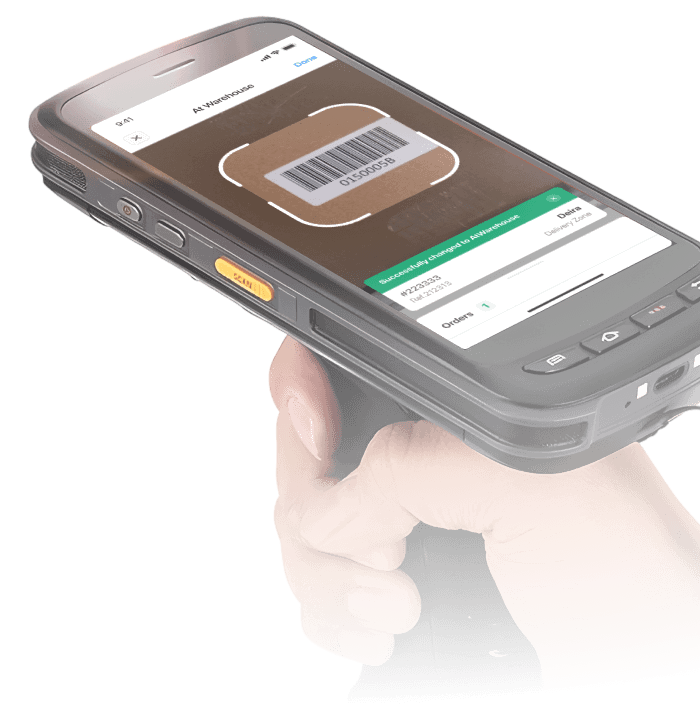
- Scanner application for the warehouse/hub team: I haven’t found this specific application in other providers so far. (If you know of any, please let me know in the comments.)
- User-friendly design
- Mobile apps for customers
- Covers other business aspects (accounting, support, invoicing, etc.)
- Shopify and e-commerce integration with a customer focus
Cons
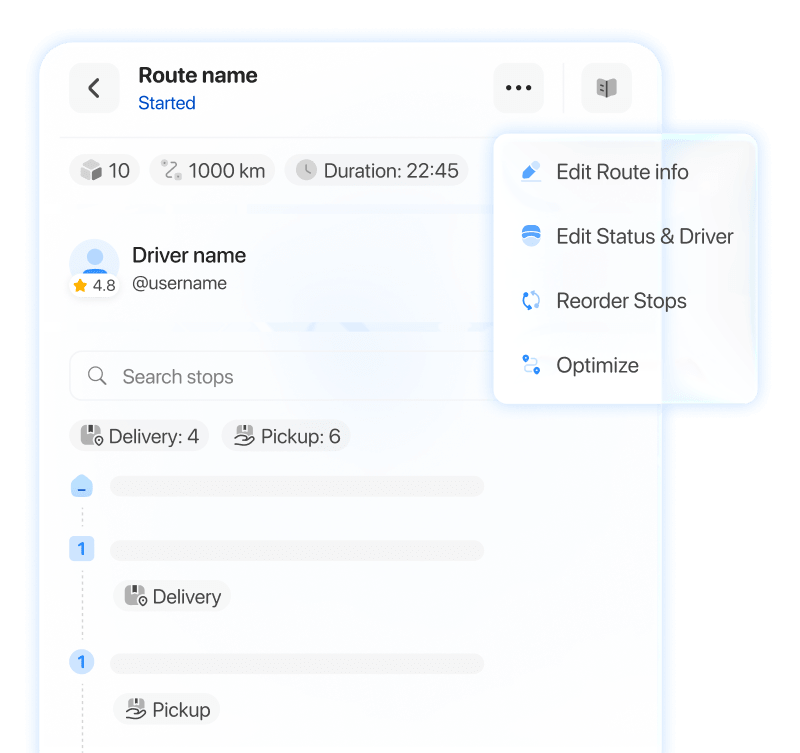
- Lack of automatic route planning for multiple drivers/routes
- Age verification is unavailable for some industries
- Multi-parcel orders are not supported
Pricing
- Business Package: $239 / month (includes 1,500 orders or 3,000 stops)
- Enterprise Package: Custom pricing based on required components
Reviews
- Capterra: 5/5
- G2: 5/5 (Onro is listed among the best courier software solutions of 2026)
2. CXT Software

Best for: Couriers that need to work with shipping partners.
Pros
- Supports on-demand multi-stop workflows
- Facilitates connections with multiple carriers
- Displays all required information on a single screen (Based on users’ reviews)
- Reliable real-time tracking
Cons
- No demo available on the website
- Lacks a warehouse concept and essential hub features
- Some reviews mention slow performance and technical glitches (Based on user reviews)
- Built on outdated technology, which impacts speed
Pricing
- Professional Plan: Starting at $340 / month (includes unlimited shipments)
- Enterprise Plan: Starting at $455 / month (includes unlimited shipments, more features)
Reviews
3. Optimoroute

Best for: Stop-based operations and couriers that require advanced route planning for their fleets.
Pros
- Excellent at route planning and fleet optimization.
- Affordable for small companies with only 1–2 drivers (costs roughly 50% less than competitors for very small fleets).
- High-speed route planning capabilities suitable for large fleets.
Cons
- Does not support warehouse or hub operations.
- No dedicated scanner app for hub/warehouse teams.
- Requires additional software to manage other aspects of a courier business.
Pricing
- Lite Plan: $39 / driver per month (up to 700 orders)
- Pro Plan: $49 / driver per month (up to 1,000 orders)
- Custom Plan: Custom pricing for over 1,000 orders
Reviews
4. Onfleet

Best for: Cannabis delivery service providers.
Pros
- Regulation and compliance support in the USA
- Efficient route planning
- Strong time-window management
- Highly intuitive product design
Cons
- Shopify app supports only one merchant; not a scalable solution for multiple Shopify stores
- Creates two separate tasks per order (pickup and delivery)
- No branded customer portal
- Warehouse operations are not covered
- No dedicated scanner app for the warehouse team
Pricing
- Launch Plan: $599 / month (includes 2,500 stops)
- Scale Plan: $1,299 / month (includes 5,000 stops)
- Enterprise Plan: $2,999 / month (includes 10,000 stops)
Reviews
5. Shipday

Best for: Courier companies with small fleets.
Pros
- A free version is available.
- Best option for simple workflows (delivery-only or pickup-and-delivery).
- Good support and customer service.
Cons
- No dispatcher route management (features are only available on the driver side).
- No warehouse or hub concept available.
- Scanning functionality is not implemented.
Pricing
- Starter Plan: Free (up to 300 orders/month)
- Professional Plan: $39 / month (up to 300 orders)
- Elite Plan: $119 / month (up to 300 orders)
Reviews
6. Ontime 360

Best for: Windows users who need an interface similar to other Windows software.
Pros
- Easy to use on Windows (it is a native Windows app)
- Affordable option for small businesses
- Supports drag-and-drop functions for task assignments
Cons
- Requires virtualization tools for macOS (it is not a native Mac app)
- Does not support shipping labels (according to their Capterra profile)
- Does not include warehouse or hub operations
Pricing
- Start Plan: $99 / month (includes 250 stops)
- Grow Plan: $249 / month (includes 700 stops)
- Scale Plan: $499 / month (includes 1,600 stops)
Reviews
FAQ: Best Hub-Based Courier Software
Yes. A WMS handles inventory and stock management, but it does not manage the delivery process. You still need a platform that includes driver-side tools, dispatching features, and customer or receiver components. These features are typically not available in a standard WMS.
No, that would be reinventing the wheel. Unless you have a highly unique workflow in a specialized industry that no existing solution can cover, developing your own software is rarely worth it. Compared to using a SaaS (Software as a Service) platform, building custom software costs much more money and takes much longer to implement.
I do not recommend moving forward with software that doesn’t offer a hands-on trial. Sales teams will only show you the parts they want you to see. To properly evaluate a system, you need 5 to 6 hours of testing rather than a 30-minute demo call.
No. Since you aren’t involved in the warehouse operations yourself, you don’t need those specific features because the warehouse management stays on your client’s side. In this case, Direct Delivery is the model you will use.