Orders Table Updates in Dispatcher and Web App

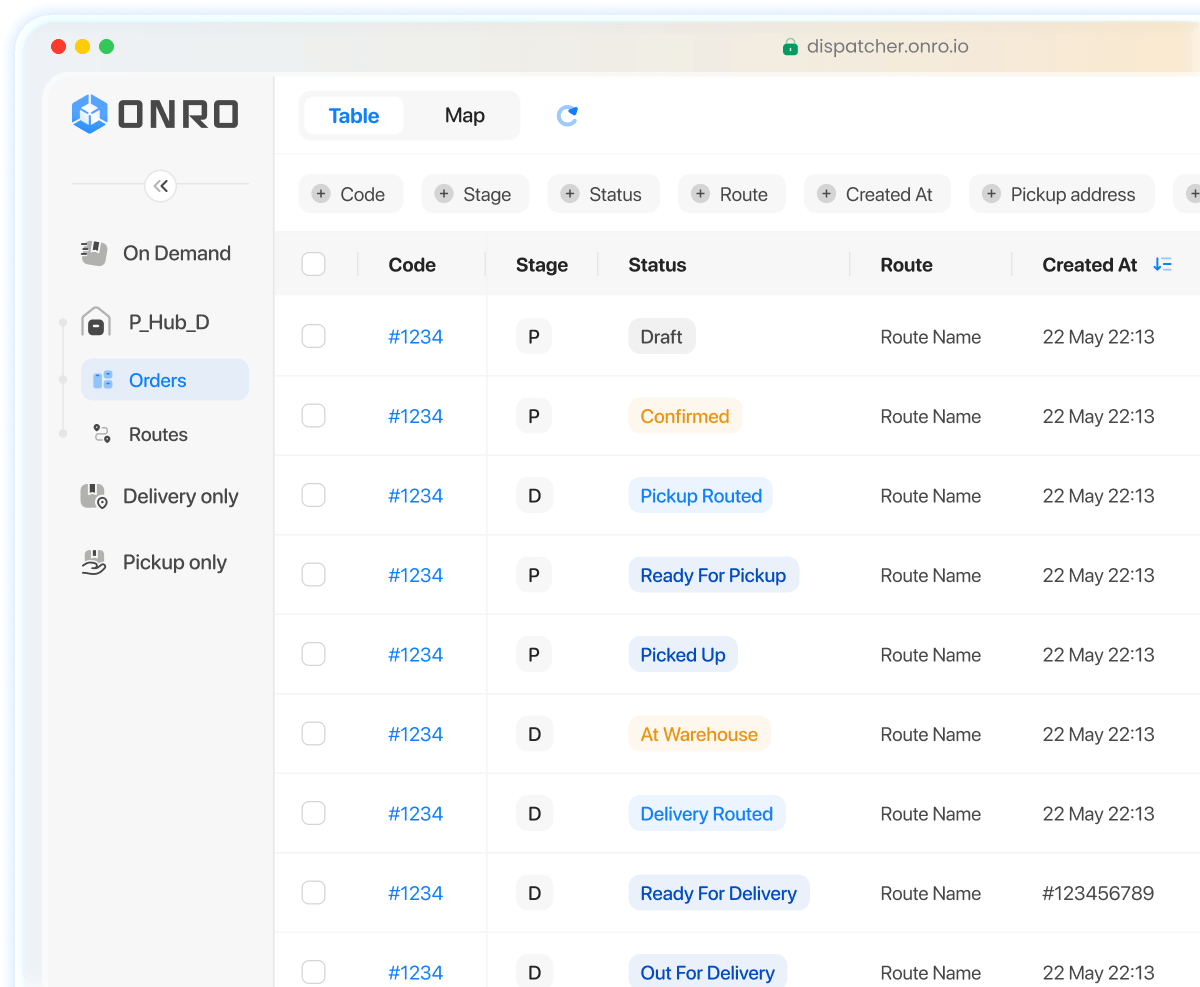
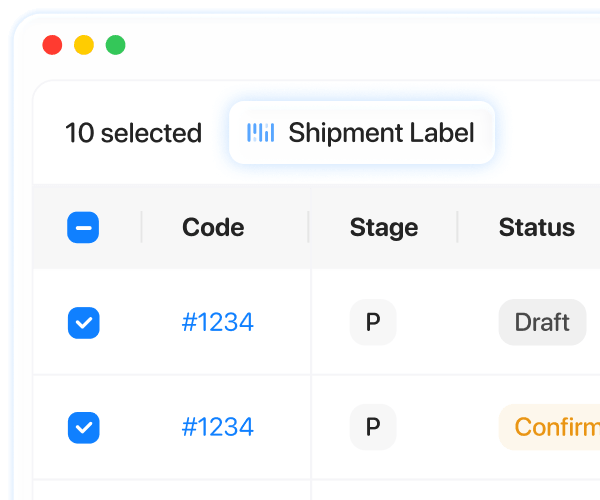
We are updating the orders table in the Dispatcher and Web App to make it cleaner, simpler, and easier to use. These changes will help your team review order details faster and work more comfortably. In this article, we go over the updated parts in more detail to help you use the latest version smoothly.

What’s changing:

  • Simpler pickup and delivery time columns
  • Fewer POD and POP columns
  • One search field for order code and reference ID
  • One combined notes column
  • One combined payment column
  • Cleaner web app date filters

Pickup Window and Delivery Window

Until now, pickup and delivery timing appeared in separate fields, such as:

  • Pickup Complete Before
  • Pickup Complete After
  • Delivery Complete Before
  • Pickup Complete After

With the new update, this will be simplified into just two columns:

  • Pickup Window
  • Delivery Window

Each one will show the time in a clear format depending on what is available.

Examples:

  • If both start and end times are set: 09:00 → 12:00
  • If only the end time is set: Until 12:00
  • If only the start time is set: From 09:00
  • If no time is set: —

What’s better now

Instead of checking several fields to understand the timing, you will be able to see it in one place.

How date filters work

When more than one date filter is used, the table shows only the orders that match all selected date filters at the same time.

This means the results must overlap.

For example, if Created At is set to Last 30 Days, and Status Updated At is set to Last 7 Days, the table will only show orders that were created in the last 30 days and also had a status update in the last 7 days.

POD and POP columns

Until now, POD and POP details appeared in several separate columns, including:

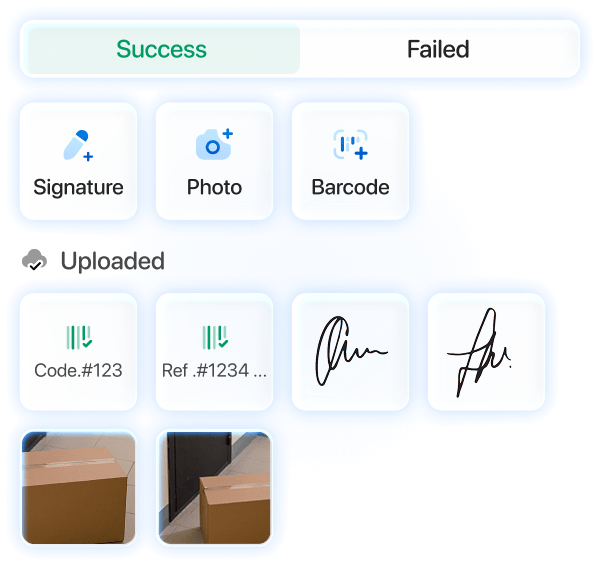
  • Proof of Pickup (POP) Note
  • POP Photo
  • POP Signature
  • Proof of Delivery (POD) Note
  • POD Photo
  • POD Signature 

With the new update, these proof-related fields will be grouped into fewer columns.

Instead of six separate columns, the table will show:

  • One combined Pickup POP column
  • One combined Delivery POD column

Each combined column can include:

  • note
  • photo
  • signature

What’s better now

The table becomes less crowded, and proof details are easier to check without scrolling across too many columns.

Search: Order Code and Reference ID

Search is becoming simpler.

Right now, search allows users to choose between:

  • Code
  • Reference ID

This is done through the dropdown in the search bar.
With the new update, Code and Reference ID will be merged into one search field.

What’s better now

You can just type the code or reference you have. No need to select a search type first.

Notes column

Notes will also be easier to review.

Right now, note-related information can be separated into different fields depending on the order type, such as: 

  • P&D note
  • Pick-up note for On-demand orders
  • Drop-off note for On-demand orders

For On-demand orders, both pickup and drop-off notes will appear together in the same column.

Example:

P Ring side bell, unit 4B
D Leave with the receptionist

For P&D orders, the note will appear as regular text.

There will also be a filter that searches across all of these notes.

What’s better now

Your team will not need to check different note fields separately. Everything note-related will be easier to find in one place.

Payment column

Payment information is being simplified, too.

Right now, payment details can be split between separate fields, such as: 

  • Payment method:
    • Cash
    • Wallet
    • Card
  • Payment side:
    • Sender
    • Receiver

With the new update, those fields will be combined into a single payment column and a single payment filter.

The final values shown in the table will be:

  • Cash Sender
  • Cash Receiver
  • Wallet
  • Card

What’s better now

You can understand the payment setup faster and filter it more easily.

Overall, these updates are designed to make the table easier to work with every day. With a cleaner layout and simpler search and filtering, your team can review order details faster and use the latest version more smoothly.

Date Filter Update in the Web App

The date filter page in the Web App is also being simplified.

In the current version, the date filter screen includes:

  • Created
  • Last Status Updated
  • Due Date

In the new version, this screen will be changed in three ways.

1) Standard date ranges will be added and updated

The updated date filter will include quicker preset options, such as:

  • Today
  • Yesterday
  • Last 7 Days
  • Last 14 Days
  • Last 30 Days
  • Last 90 Days

This makes it faster to filter orders without manually selecting dates from the calendar each time.

2) Last Status Updated and Due Date will be removed from this screen

The current filter page allows users to switch between different date filter types inside the same pop-up.

In the new version:

  • Due Date will be removed completely
  • Last Status Updated will be removed from this screen

This means the pop-up will focus only on the main date range selection.

3) Status Updated will move next to the other table filters

Instead of being inside the date filter popup, Status Updated will be available outside this screen, alongside the other table filters at the top of the table.

Default date range

In the new version, the default date range will be:

  • Last 30 Days

What’s better now

This update makes the date filter easier to use by:

  • Giving faster access to common date ranges
  • Reducing extra options inside the pop-up
  • Keeping table filters more organized

About the Author

Hiva Bahrami

Technical Support Manager at Onro, dedicated to ensuring courier businesses get the most out of their operations through reliable support and continuous improvement.

Onro Content Lab Linkedin
share article in twitter share article in facebook share article in linkedin
Show All
Contents
get a demo of Release NotesSoftware for free

All-in-one Last Mile Delivery Software

Optimize your operation, delight your customers, and improve your transparency using a complete last mile delivery software.

Get Your Free Demo