As your courier company grows, like any other business, you should use your data to improve operational efficiency. As the number of your clients and drivers increases, each may have different needs.

For instance drivers might work in different shifts, with different vehicle types, different weight limitations, different earning models.
And your customers bring different values to your business and they need different attention or different pricing rules; therefore you should be able to categorize them by using customizable tags.
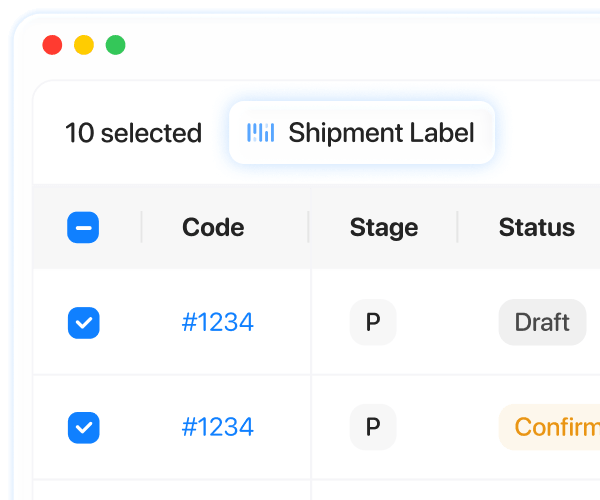
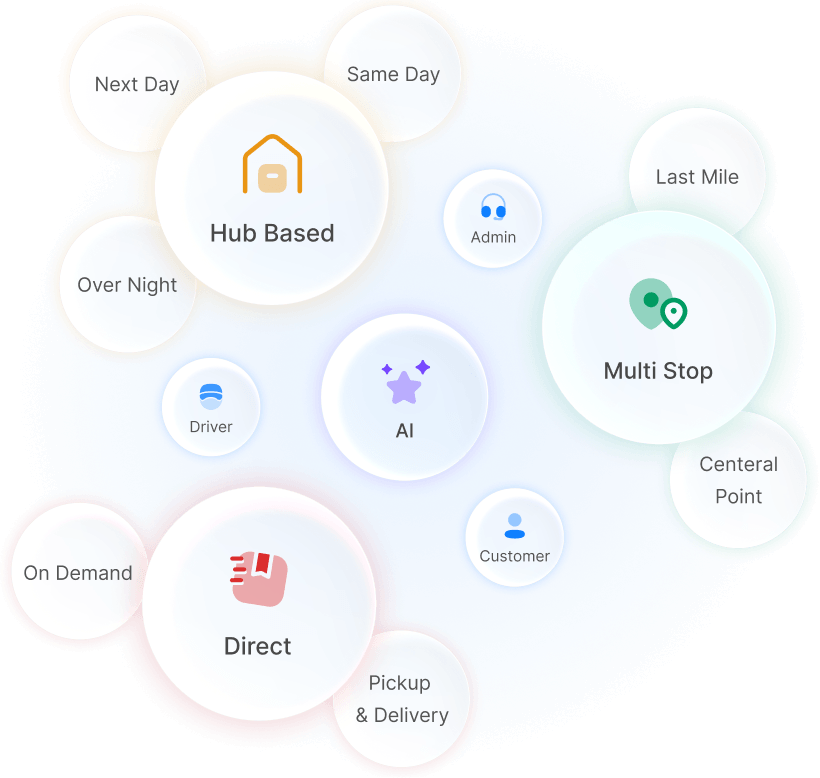
Tags allow you to categorize and structure different parts of your courier management system manually or according to specific user behavior taken place.
In this article, we’ll explore six practical ways that courier companies use Onro Tags to improve their operation.
Where Can Tags Be Used?
Tags can be applied in different parts of the system:
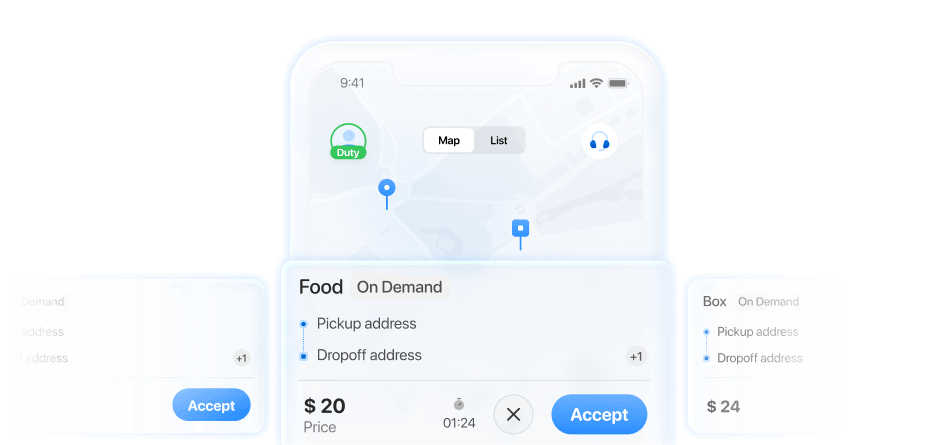
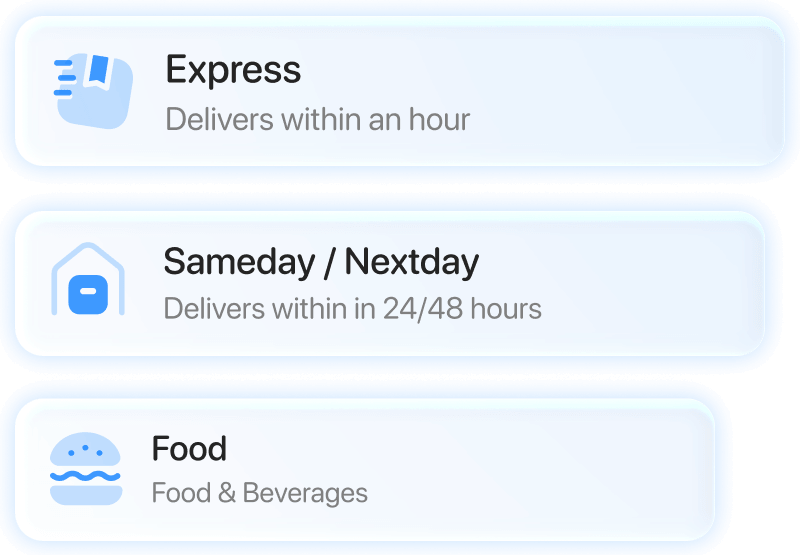
- Service Type (on-demand, same-day, next-day, etc).
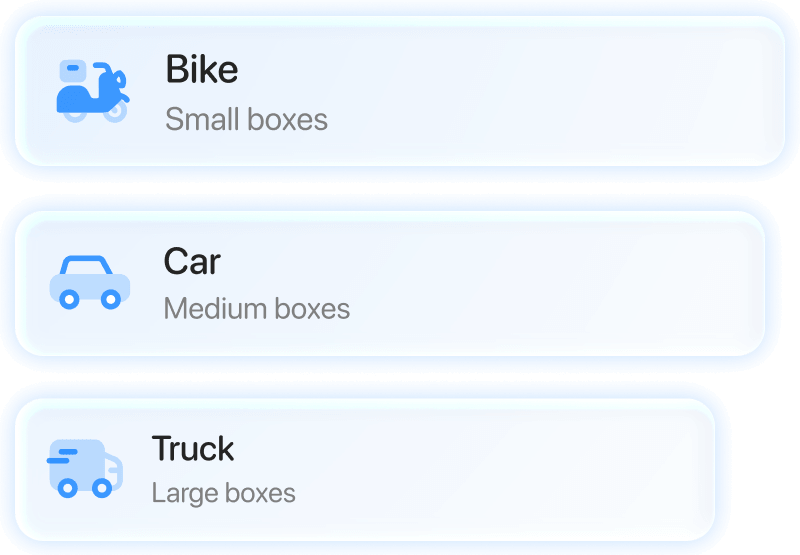
- Vehicle Type (bike, van, etc).
- Pricing coefficient (VIP customers discount, peak hour pricing, and more).
- Driver registration and profile (night/day shifts, heavy load capable, etc).
Let’s look at how tags make an impact by having these points in mind.
1. Prioritizing VIP and High-Value Customers
Some customers require special handling, or you may have committed to providing premium service. By adding tags such as VIP, Premium, etc. you can:
- Automatically prioritize their orders.
- Assign top-rated drivers.
- Offer faster delivery options or discounts.
This guarantees that your most valuable customers receive the attention they deserve and that you’ll be able to fulfill their expectations without extra manual work.
2. Applying Custom Pricing Automatically
Your pricing logic can be more flexible by using tags that define pricing rules, allowing exceptions only for specific customer groups. Instead of changing prices manually for each order, tags help handle it with no extra effort.
3. Controlling Which Delivery Services Customers Can Access
Depending on your customer requirements, business model, and contract, they should have access to different services. Tags help you control their access and set necessary limitations, such as:
- Users with trial access will be limited to specific services in a time frame.
- Only verified businesses can access same-day or next-day delivery.
- Only specific customers can choose between a variety of payment methods like cash on delivery. Others might be limited to online payment.
4. Matching Customers with the Right Vehicle Types
Tags make the process of matching vehicle types and parcel sizes easy with no errors.
- Orders tagged as heavy can be offered and assigned to trucks.
- Orders with eco-delivery or green tags can be assigned to bikes or electric vehicles.
- Bulk orders can be routed to vans. This improves the efficiency of your fleet automatically.
5. Organizing Drivers by Skill, Shift, or Delivery Capability
As the number of your drivers grows, it will be hard and complicated to manage. Tags allow you to group them based on different categories, like:
- Skills: (long distance, high value or fragile shipments handling).
- Availability: (Day/night shift).
- Capability: (heavy load, temperature-sensitive delivery, like medicine and food).
It helps assign the right orders to the right drivers without a complicated dispatching process.
6. Keeping Customer and Driver Data Organized as Operations Scale
With an organized and structured database, you can scale up smoothly without panic. Tags help to organize your drivers and customers in the best way possible, such as:
- Segment customers by behavior or region.
- Group drivers by performance or experience.
- Filter data quickly for reporting analysis or marketing actions.
This will improve your operation and increase your dispatch team’s efficiency.
Conclusion
Although tags may seem like small features, they can have a huge effect on courier companies. They add flexibility, automation, and clarity by being used across services, vehicles, pricing and user profiles. Tags help courier companies scale faster. If you are looking for ways to improve your delivery operations, have this in mind that the simplest tools can make the biggest difference.
FAQ
No, it’s better to start small. Start with a few important tags, like VIP customers or driver skills. You can add more later as your operations grow.
Start with your daily problems. Look at where your team spends time or makes mistakes. Like pricing, driver assignment, or customer prioritization. Create tags for those cases first. You don’t need a long list; a few tags are much better than many unused ones.
Not really. Tags actually make pricing easier. You just link pricing rules to tags. For example, a corporate tag can give a discount, while a peak-hour tag can add extra cost. It keeps everything simple and organized.